
The MirsalGo apps
One team.
Every working screen.
A workspace for the desk. A conversation in your pocket. Explore the apps your team can use to stay connected to its organisation's service.
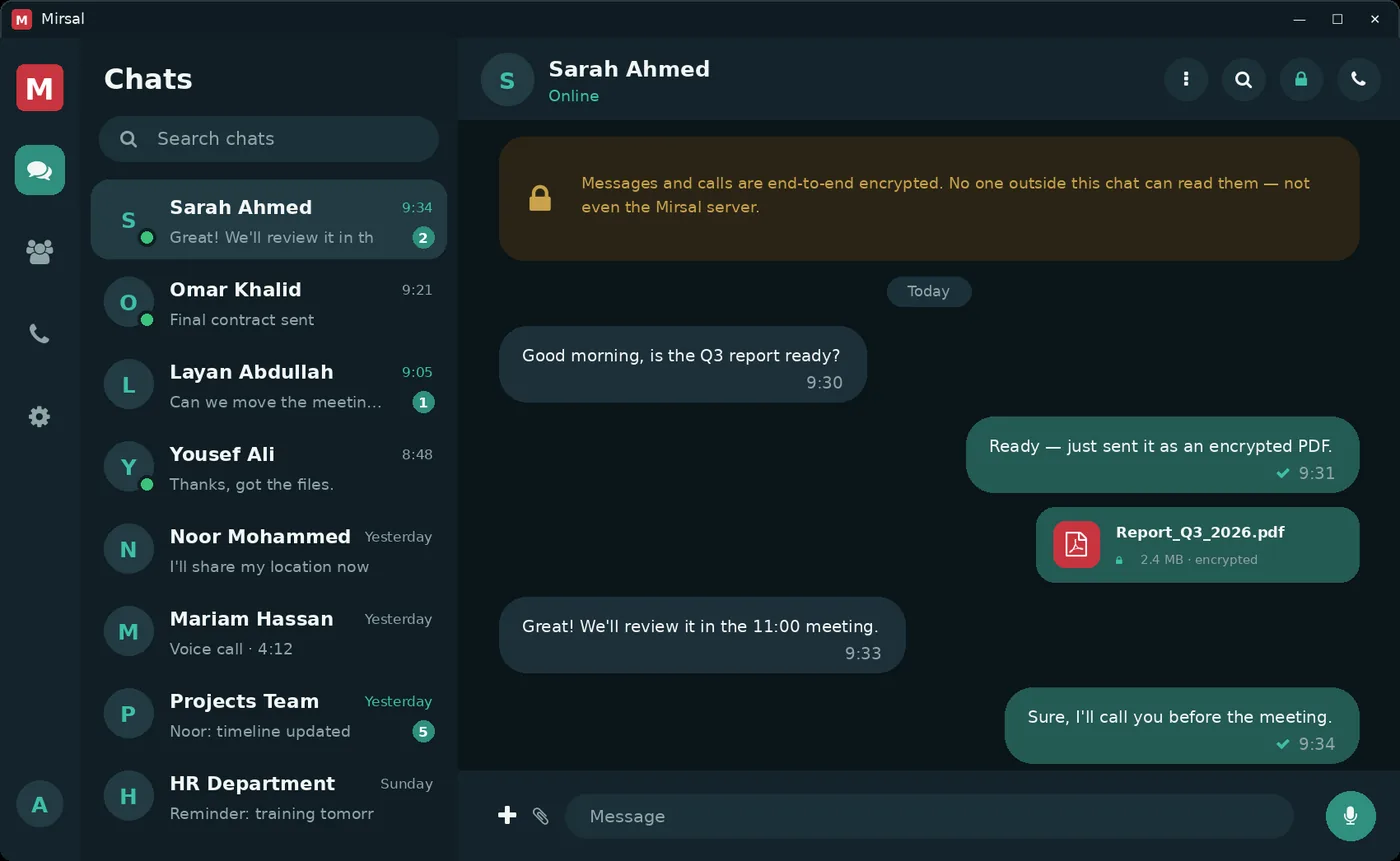
Windows
The workspace for the working day: conversations, shared files and voice calls at your desk.
Explore the desktop app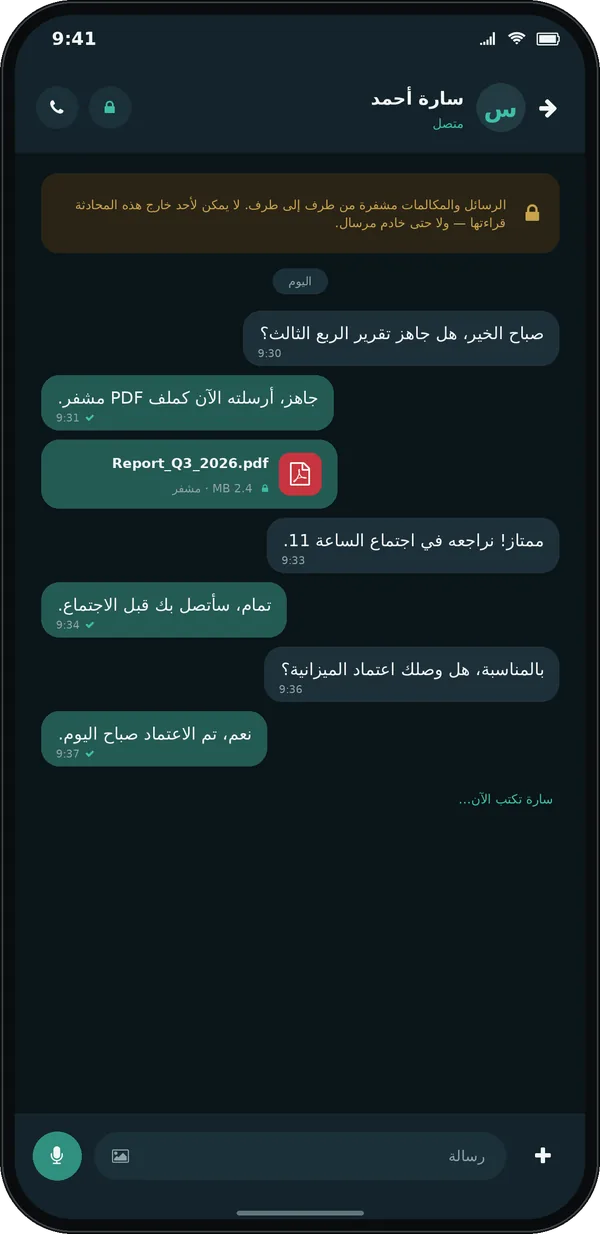
Android
Keep the team close on phones and tablets, with messages, groups and files in one place.
Explore Android
iPhone
A familiar way to follow conversations, share updates and reach your teammates on iPhone.
Explore iPhoneProduct illustrations use demonstration data. Mobile screenshots show the Arabic interface. Some builds display the earlier Mirsal name.
For your administrators
The team has its apps.
You have Studio.
Manage accounts, permissions and registered devices from a dedicated administration workspace.
Explore MirsalGo Studio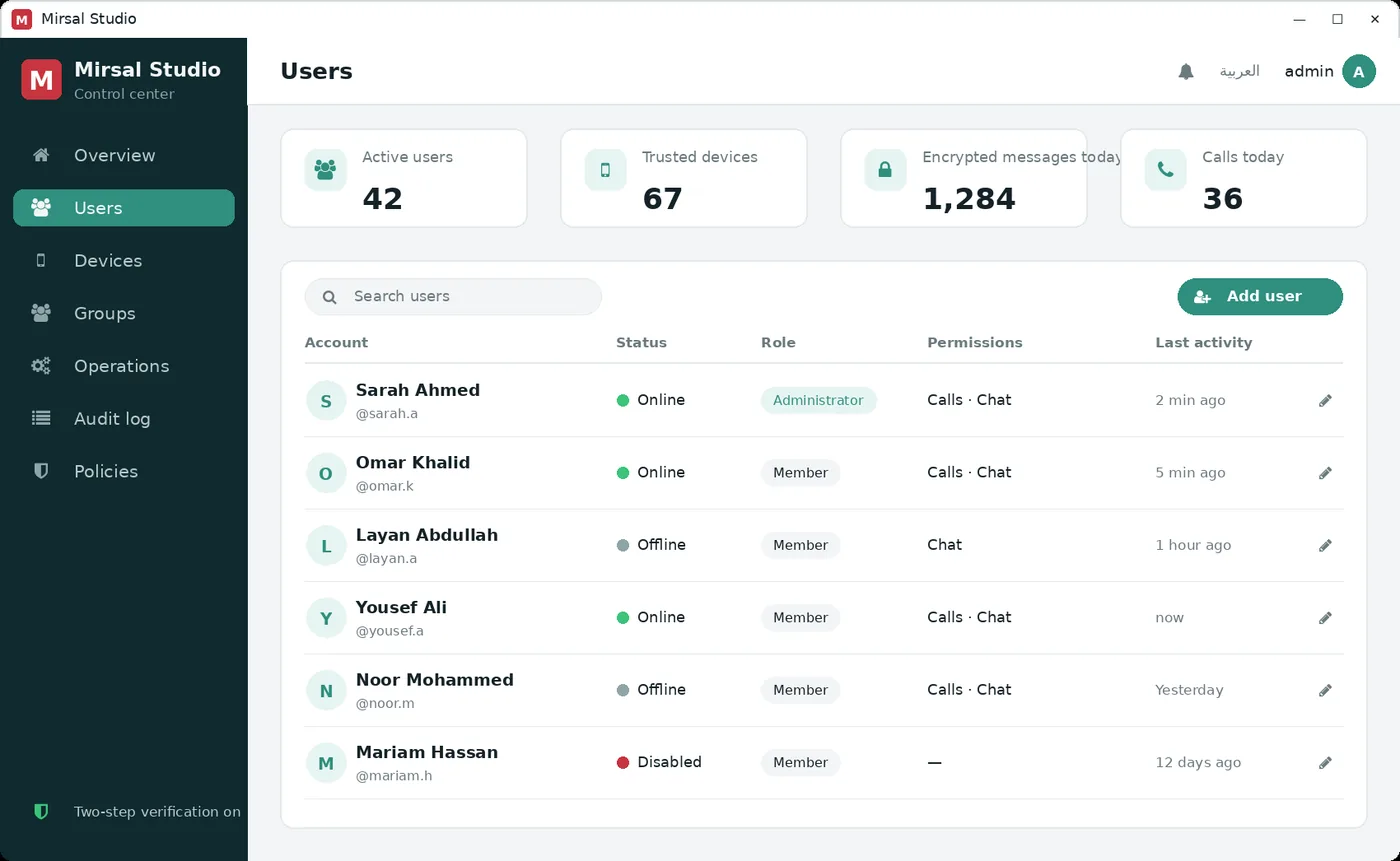
Access starts with your organisation.
Your administrator provides the approved app build, server address and account. Contact the team to discuss access or arrange a demonstration. Features and availability depend on the platform and deployment.
Ask about accessFind the right setup
for your team.
See the apps and administration tools together in a personal walkthrough.