
Conversations within reach
Keep direct chats and team groups together. Return to a discussion without rebuilding its context.
MirsalGo for Windows
Bring chats, shared documents and voice calls into a desktop workspace built for the people at the desk.
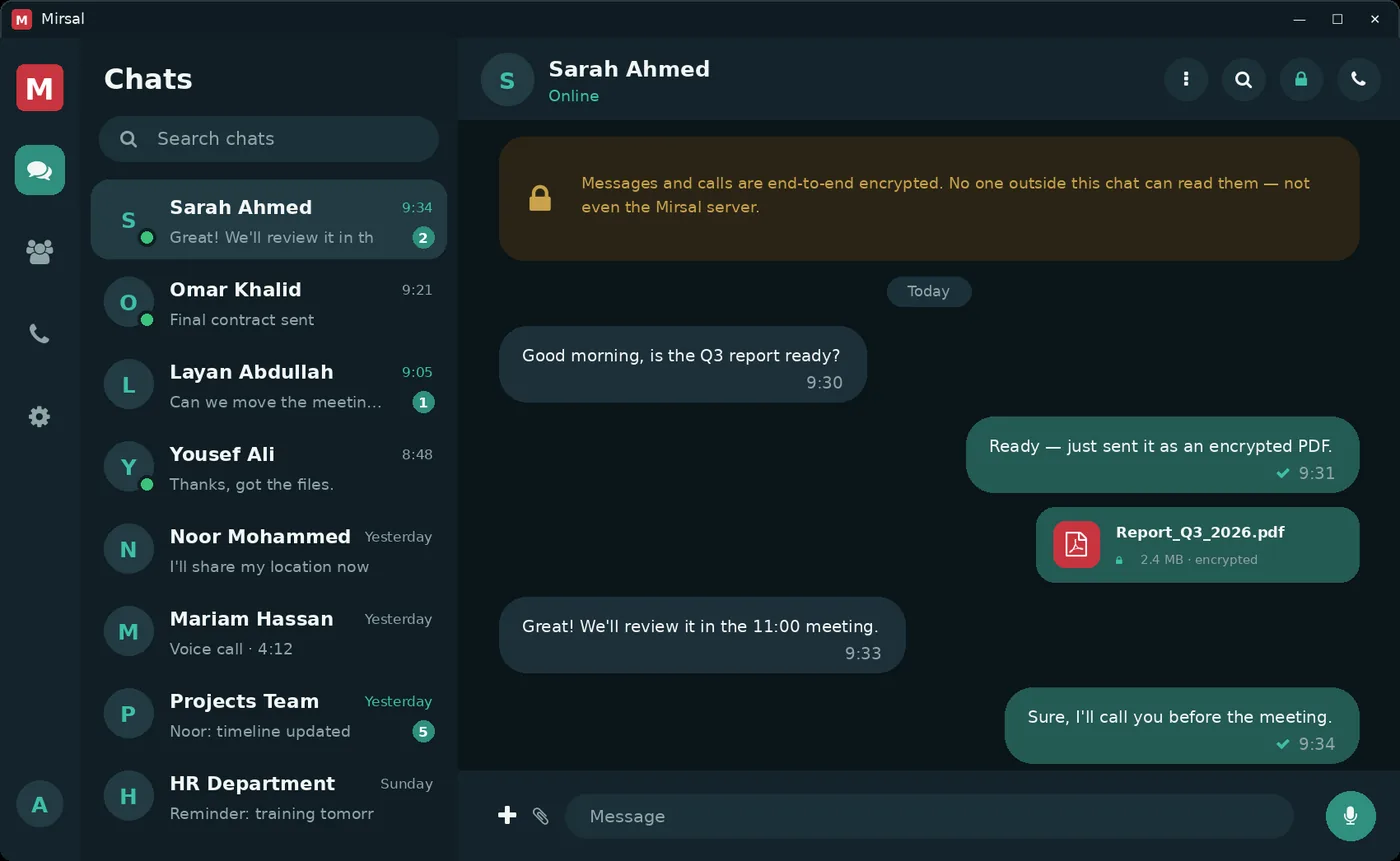
The next message, file or call belongs to the conversation you're already having.
Keep direct chats and team groups together. Return to a discussion without rebuilding its context.
Share documents and images in the conversation. Supported files can be viewed from the app, with encrypted contents carried by the server.
Start a voice call from a conversation, with microphone and audio controls close at hand.
Designed for a managed workspace
Use the account and server provided by your organisation. App locking helps protect an unattended desktop; administrators can review and revoke registered sessions.
Encrypted conversation content and account administration have different boundaries. Learn what the server can see in our interactive privacy explanation.
Meet the administration toolsAsk your administrator for your organisation's current build and server address. Before moving devices or clearing local data, contact support: a new installation does not automatically recover keys for older conversations.
Contact supportWalk through conversations, files and organisation-managed access.